

What you’ll learn
By the end of this guide, you’ll know how to:- Add share entry points in your Base Mini App and from the Base app directory
- Understand how embeds are generated when your app is shared
- Create both static and dynamic embeds that drive engagement
- Implement determined and truly dynamic metadata for personalised sharing
- Debug and test your embeds before launch
- Use MiniKit’s built-in metadata generation to save development time
How users share your mini app
Users can share your mini app in two main ways:From inside your mini app
Add a “Share this mini app” button that copies the shareable link and guides users to post it in the feed.From the Base app directory
Users can click Share from your app’s detail view.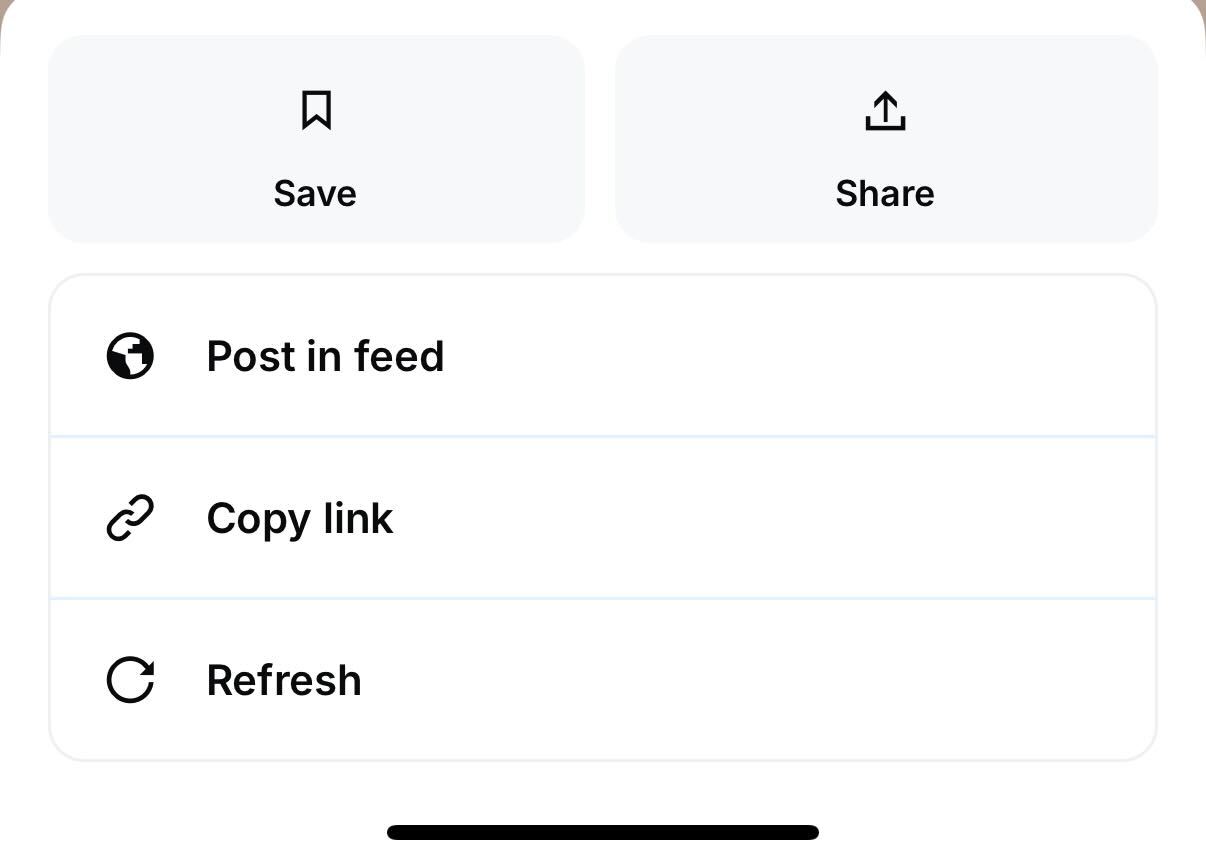
Share button in the Base app UI
How embeds work
When a platform sees your URL, it sends a request to your app and reads the<meta> tags in your HTML.
Example:
- Image – Main visual hook (3:2 aspect ratio recommended)
- Title + description – The quick pitch for your app
- CTA button – The direct action users can take
Static vs. dynamic embeds


Static vs. dynamic embed examples
Static embeds
Same image and title for every share. Great for consistent branding, but less personalised.Dynamic embeds
OG data changes based on the URL or parameters. More engaging and relevant to the user’s action.Types of dynamic metadata
There are two main approaches:Determined dynamic metadata
Predefined outcomes mapped to specific URLs. Example: A personality quiz with fixed results.On-demand generated metadata
Generated in real time for each share. Example: A dashboard app showing the user’s current stats.How dynamic metadata works
The flow
- User shares link – e.g.
https://my-mini-app.com/generate/blossom - Parent app fetches metadata – Sends request to your server
- Your route processes params –
/generate/:characterdetects “blossom” - Server generates OG data – Creates and returns SVG or image
- Embed appears in feed – User sees personalised preview
Implementation tips
Using MiniKit for embeds
If you’re building with MiniKit, the metadata setup is handled for you inlayout.tsx or layout.ts:
imageUrl, title, and button for different pages or features.
Debugging embeds
If your embed isn’t rendering correctly:Debug tools
- Use the Farcaster Frame Debugger
- Check OG tags with Meta Tags Inspector
Common issues
- Ensure server returns correct metadata for both static and dynamic routes
- Review caching headers — too aggressive can delay updates
Next steps
- Add
fc:framemetadata to your shareable pages - Decide between static, determined dynamic, or On-demand generated metadata dynamic embeds
- Test across platforms before launch
- Integrate sharing prompts into onboarding and achievement flows